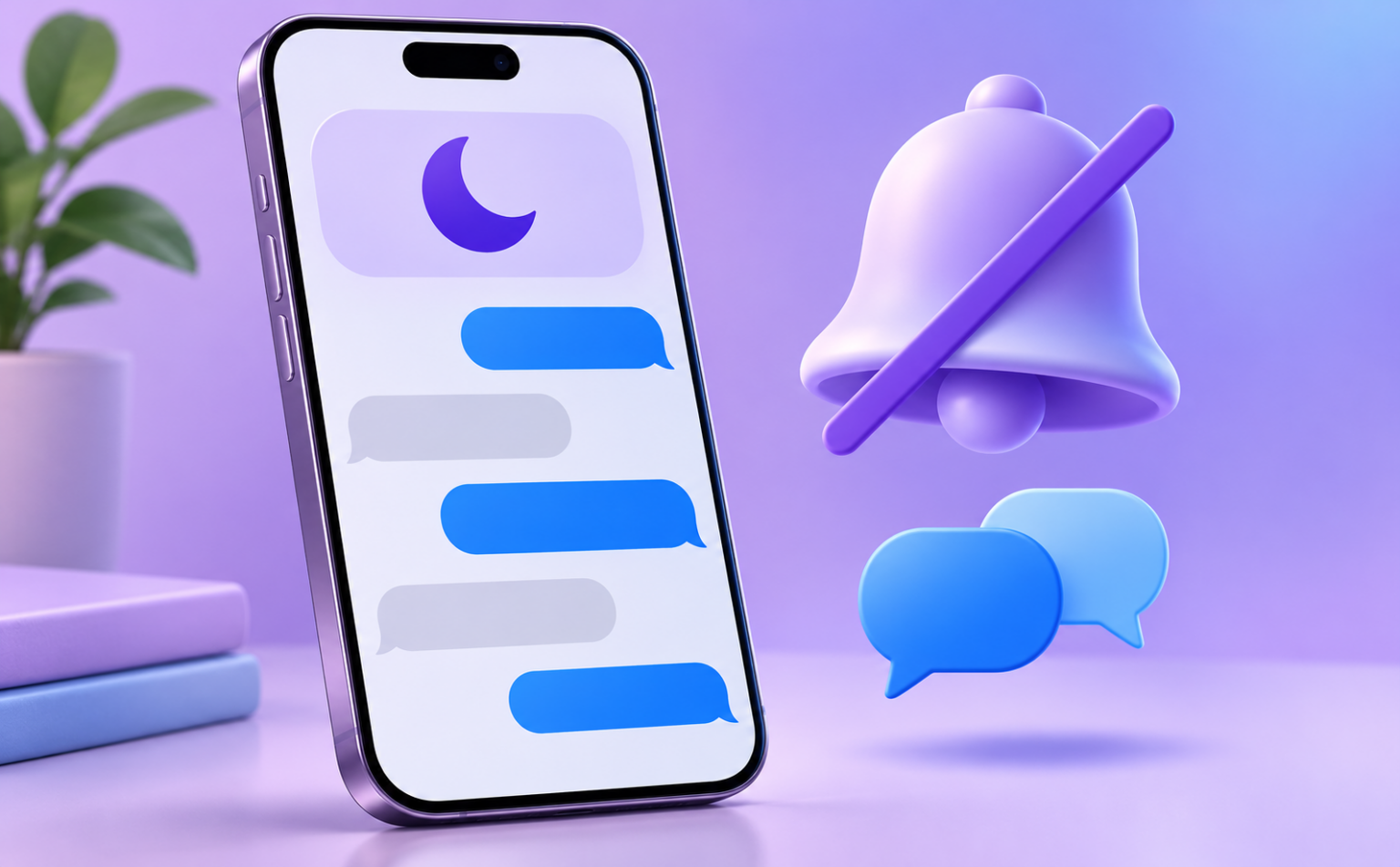
Shared Focus Status means an iPhone user has a Focus mode turned on, such as Do Not Disturb, Sleep or Work, and has allowed Messages to tell people that their notifications are silenced. If you’re texting them, you’ll see a small gray line in the iMessage chat that says “[Name] has notifications silenced.” It does not mean you’ve been blocked, and it does not mean they’re ignoring you. Their phone just isn’t alerting them right now.
You’ll see the phrase written as both “share focus status” and “shared focus status.” They describe the same thing. Share Focus Status is the name of the setting, and a shared status is what other people see when that setting is on.
What does shared focus status mean on iPhone?
- For you (the owner): when a Focus is active, iMessage contacts can see that your notifications are silenced.
- For the person texting you: they see “has notifications silenced” in the conversation, and in many cases a Notify Anyway option.
- What’s shared: only the fact that notifications are silenced. It doesn’t show which Focus you’re in (Sleep, Driving, Work), why, or for how long.
- What it isn’t: a block, a read receipt, or proof that someone saw your message.
What shared focus status means in Messages and iMessage
Apple introduced Focus in iOS 15 (2021). It’s an expanded version of the old Do Not Disturb. You can build modes like Work, Sleep, Personal, Driving or Fitness, and each one decides which people and apps are allowed to reach you.
Focus Status is the courtesy layer on top. Without it, your messages just go quiet and the sender has no idea why. With it, the sender gets a heads-up that you probably won’t reply right away.
What the sender sees
In an iMessage (blue-bubble) conversation, a line appears just above the text field: “[Name] has notifications silenced.” Older iOS versions also showed a small crescent-moon icon. If the sender types a message anyway, a Notify Anyway link often shows up under it. Tapping that pushes the message through as an alert, even though the Focus is on.
What you see as the owner
Nothing in the chat itself. Your status lives in Settings. Your messages still arrive. They’re held quietly in Notification Center until you check your phone or the Focus ends.
Requirements
- Both people need iOS 15 or later (or iPadOS 15 / macOS Monterey or later).
- It only works in iMessage. Green-bubble SMS chats and Android users never see Focus Status.
- A Focus has to be active, and sharing has to be turned on for that Focus.
Key facts and context: who sees it, and the exceptions
By default, Focus Status sharing is on for most Focus modes. That’s why many people don’t realize they’re broadcasting it. Here’s what you need to know:
- Allowed people still get through. Anyone you’ve added to a Focus’s allowed list gets normal notifications, whatever your status shows.
- Notify Anyway is an override. Any iMessage sender who sees the status can use it, so don’t treat Focus as a hard wall. If someone abuses it, add them to the silenced list for that Focus, or turn off sharing so they never see the option.
- Emergency Bypass beats everything. Set it per contact (Contacts > contact > Edit > Ringtone or Text Tone > Emergency Bypass). That person’s calls or texts will make sound even during Focus and Silent mode.
- Third-party apps can ask for it. Some messaging apps request access to your Focus Status. You can review this under Settings > Privacy & Security > Focus.
- It’s separate from Read Receipts. Focus Status says nothing about whether you opened a message. Read receipts are controlled in Settings > Messages.
Focus Status vs. Do Not Disturb, Airplane Mode and blocking
| Situation | What the sender sees in iMessage | Do messages arrive? |
|---|---|---|
| Focus on, status shared | “has notifications silenced” | Yes, quietly |
| Focus on, status not shared | Nothing unusual | Yes, quietly |
| Airplane Mode / phone off | No “Delivered” until they reconnect | Later |
| You’re blocked | Usually no “Delivered” label, and no status note | No |
The practical takeaway: if you can see someone’s Focus Status, they almost certainly haven’t blocked you. Blocking doesn’t show a status line.
How to turn Share Focus Status on or off
For all contacts (iOS 16, 17 and later)
- Open Settings > Focus.
- Tap Focus Status.
- Turn Share Focus Status off to stop sharing entirely. Or leave it on and, under Share From, pick which Focus modes share it.
Per-mode control is the most useful option. Many people share from Sleep and Driving, but not from Personal, where saying you’ve silenced notifications can read as “avoiding you.”
On iOS 15
Go to Settings > Focus > [Focus name] > Focus Status and toggle it for each mode.
For one contact (the “in contacts” setting)
Open the conversation in Messages, tap the person’s name at the top, and turn off Share Focus Status. That person stops seeing your status, and everyone else still does. This is the setting people mean when they search “share focus status in contacts.”
iPad and Mac
If Share Across Devices is on in Settings > Focus, a Focus you turn on from your Mac or iPad also turns on for your iPhone, and your status is shared from there. On a Mac, check System Settings > Focus > Focus Status.
| Setting | Where | What it does |
|---|---|---|
| Share Focus Status | Settings > Focus > Focus Status | Master on/off switch |
| Share From | Same screen | Picks which Focus modes share |
| Per-conversation toggle | Messages > contact name | Hides your status from one person |
| Emergency Bypass | Contacts > Edit > Ringtone/Text Tone | Lets one person always make sound |
Examples and use cases
Sleep Focus with family. Your sister texts at 11:40 p.m. and sees your notifications are silenced. She knows you’re not ignoring her and waits until morning. If it’s urgent, she taps Notify Anyway. This is the feature working as designed.
Work Focus with a manager. A colleague who sees your status during a deep-work block doesn’t send three follow-ups. Some people don’t want coworkers knowing when they’ve gone quiet. If that’s you, turn off sharing for that Focus or for that one chat.
Personal Focus with a partner. This is where it causes the most friction. “Notifications silenced” during an evening can come across as pointed. Either add your partner as an allowed person or stop sharing from that mode.
When you see it on someone else’s chat. Send your message normally and let it wait. Save Notify Anyway for genuinely time-sensitive things: a ride that’s outside, a change to plans within the hour, or an emergency. Using it for “lol did you see this” is the fastest way to get moved off someone’s allowed list.
Common questions about what share focus status means
Why do I see “shared focus status” in my text messages?
The person you’re texting has an active Focus with sharing on. It appears only in iMessage, never in SMS.
What does “Share Focus Status off” mean?
Either the switch is off in Settings, or that person turned it off for your conversation. Their Focus may still be on. You just won’t be told.
Why isn’t it showing up?
Check the following: the chat is green (SMS), one of you is on iOS 14 or earlier, the other person’s sharing is off, or they’re not in a Focus at all.
If you’re decoding other chat signals, our guides to what NGL means in texting and what DW means in texting cover the shorthand side of the conversation.
Florida relevance: Focus and storm alerts
One thing worth checking before hurricane season: a Sleep or Do Not Disturb Focus shouldn’t stop life-safety warnings. In Settings > Notifications, scroll to Government Alerts, open Emergency Alerts, and make sure Always Deliver is on. That lets tornado and extreme-weather warnings sound even while a Focus is active.
It also helps to add a nearby relative or neighbor to Emergency Bypass. Then their texts will wake you during an overnight storm, and your Focus Status still tells everyone else you’re asleep. For reading the forecast itself, see our explainer on what isolated T-storms means. You can find more phone and app guides in our Technology section.
FAQs
Does shared focus status mean someone blocked me?
No. A block doesn’t show any status line. If you see ‘has notifications silenced,’ the person has a Focus mode on and their phone just isn’t alerting them. Your message was still delivered.
Can people see which Focus mode I’m using?
No. Focus Status only shares that your notifications are silenced. It doesn’t say whether you’re in Sleep, Work, Driving or a custom Focus, why, or for how long.
What does ‘Notify Anyway’ do in Messages?
It lets the sender push a message through as a notification even though your Focus is on. Use it only for genuinely urgent messages. The recipient can stop you from seeing the option by turning off Focus Status sharing for your conversation.
How do I turn off Share Focus Status?
Go to Settings > Focus > Focus Status and turn off Share Focus Status, or choose which Focus modes share it under Share From. On iOS 15, it’s inside each Focus. To hide it from one person, open their chat in Messages, tap their name and turn off Share Focus Status.
Does Focus Status work with Android users or green-bubble texts?
No. Focus Status only works in iMessage between Apple devices running iOS 15, iPadOS 15 or macOS Monterey and later. SMS and Android conversations never show it.
Will the other person know I read their message while I’m in Focus?
Focus Status doesn’t reveal that. Only Read Receipts do, and those are a separate setting in Settings > Messages that you can turn on or off for each conversation.