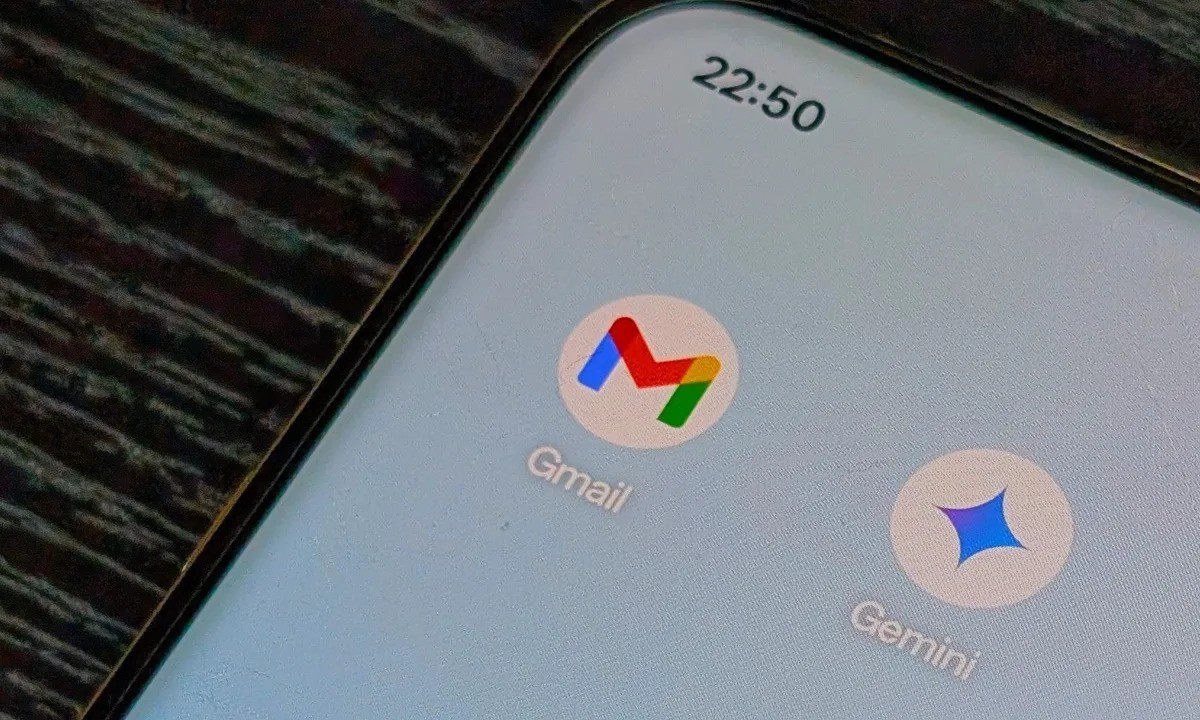
Changing an old or embarrassing Gmail address has been one of the most requested features among email users for years. Google is finally taking steps to address that demand, although the option is still being rolled out gradually and is not available to everyone yet.
Gmail users have long been stuck with email addresses they created years ago, often without realizing how permanent those usernames would become. Whether it was a joke name, a nickname that no longer fits, or something that looks unprofessional today, many people have wanted a clean slate. According to reports from sites like 9to5Google, Google has now started enabling a long awaited feature that allows some users to change their Gmail address.
Google quietly began rolling out this option late last month. Until recently, the official help documentation explaining how the process works was only available in select regional languages. That has changed, as the support page is now accessible in English, offering clearer instructions and outlining important limitations. This update suggests that Google is preparing for a broader release, even if access remains limited for now.
How the Gmail address change feature works
To see whether the option is available, users need to sign in to their Google account and visit the account email settings page at myaccount.google.com. From there, the path is Personal info, then Email, followed by Google Account email. If the feature is enabled for the account, a new option labeled “Change Google Account email” will appear.
Not everyone will see this option. Google notes that if the setting does not appear, the account is not eligible at this time. In that case, there is no manual workaround to force the change.
For users who do have access, the process is fairly straightforward. After entering the new email address, confirming the change, and following the on screen prompts, the new address becomes the primary email associated with the Google account. The previous Gmail address is not deleted and instead remains linked as an alternate email.
What happens to your emails and data
One of the biggest concerns for users is whether changing an email address affects stored data. Google says it does not. Emails, Google Photos, Drive files, messages, and other account data remain intact throughout the process.
Messages sent to both the old and new email addresses will continue to arrive in the same inbox. This means users do not need to worry about missing important emails after the change. Even so, Google recommends creating a backup before making any updates, just as a general precaution.
Possible issues after switching addresses
While the feature is useful, Google is clear that some problems may occur after changing a Gmail username. Certain app preferences could reset, and third party services that rely on Sign in with Google may not immediately recognize the new email address.
To help users handle these situations, Google has published a dedicated troubleshooting guide on its support site. This page explains how to update login details for connected apps and how to restore settings if something stops working correctly.
If issues continue and cannot be resolved, users are allowed to revert back to their original Gmail address and remove the new one. However, there are strict limits. After creating a new email address, users cannot create another one for 12 months, and Google only allows this process a maximum of three times per account.
Availability is still limited
Despite the excitement around this update, the feature is not widely available yet. Google says the rollout is happening gradually, which means some accounts will gain access sooner than others. There is no official timeline for when all Gmail users will be able to change their email addresses.
For now, the best approach is to periodically check the Google Account email settings to see whether the option appears. As Google expands the rollout, more users should gain access in the coming weeks.
This change marks a significant shift in how Google handles Gmail identities and reflects long standing user feedback. While limitations still exist, the ability to update a Gmail address without creating a brand new account is a meaningful improvement for many users.