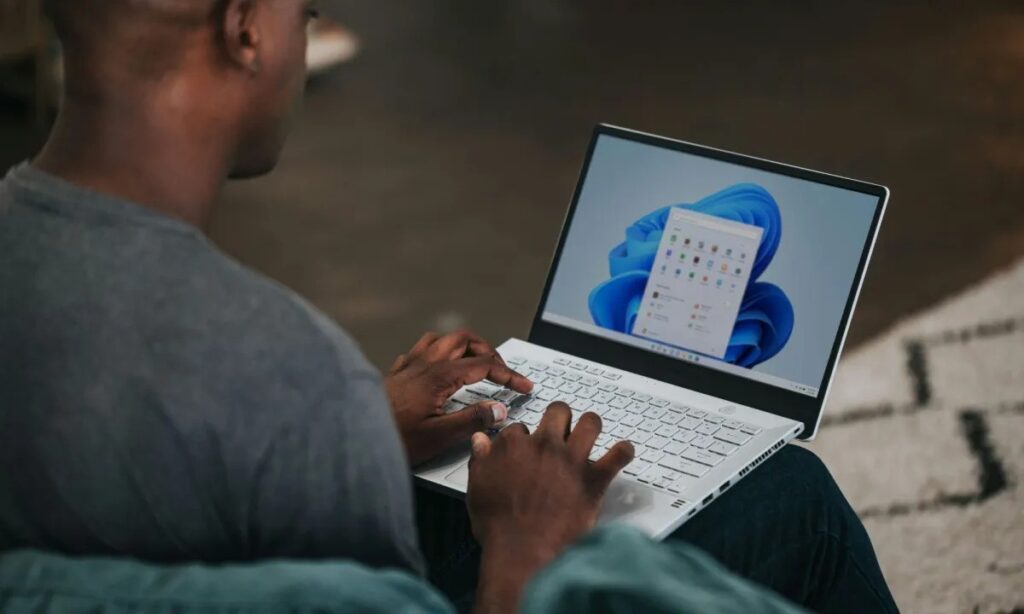
Microsoft just made a meaningful quality-of-life change to Windows 11, and it is something users have been asking for since passkeys first appeared on the platform. Windows 11 now supports third-party passkey managers, which means you no longer have to rely solely on the built-in Microsoft Password Manager. The update quietly shifts Windows into a more open and user-friendly ecosystem that feels much closer to what people already enjoy on platforms like iOS or Android.
With the new support baked directly into the operating system, services like 1Password and Bitwarden can now plug into Windows at a system level. Before this update, most users had to juggle browser extensions or workarounds to integrate their preferred password manager with Windows. Now, when you sign in to a website or app, you can access your stored passkey and authenticate it using Windows Hello biometrics such as fingerprint, face recognition, or PIN unlocking. Microsoft confirmed the rollout and shared details through its official Windows blog.
The partnership begins with 1Password and Bitwarden, and more providers are already preparing integrations as Microsoft expands this new ecosystem. This is an especially welcomed shift for users who have invested years building secure vaults inside their preferred managers instead of relying on browser-specific tools.
Passkeys continue to gain traction globally thanks to the FIDO standard. They are designed to replace traditional passwords with device-bound, cryptographic keys that cannot be phished or reused. Apple, Google, and companies across the tech world have been accelerating their adoption. Apple’s explanation of how passkeys work is a great reference for users who want a deeper understanding.
For Windows users, native passkey support also aligns with Microsoft’s push toward a fully passwordless future. The move strengthens security by reducing the weaknesses associated with stored passwords that attackers often target. Local, biometric authentication makes unauthorized access significantly harder, especially for enterprise environments where login reliability and data protection are critical.
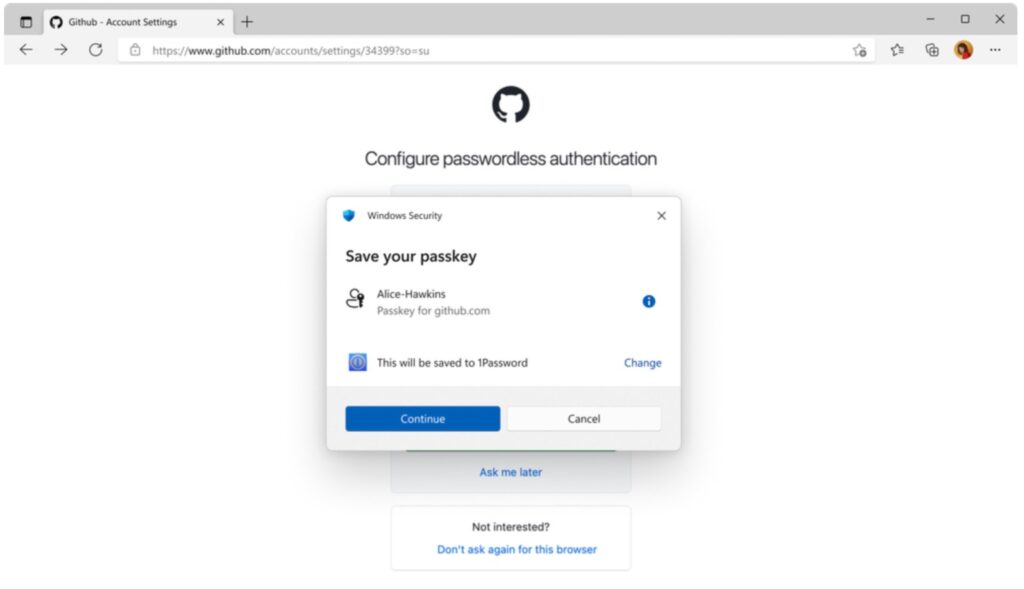
With this OS-level integration, businesses can finally streamline sign-ins across various applications without sacrificing the flexibility of letting employees choose the tools they trust. Passkeys not only speed up authentication but also remove friction from everyday workflows.
If you want to try the feature right now, make sure your PC is running Windows 11 with the November 2025 security update installed. You can learn how to update Windows here.
Once updated, you will need the desktop app for 1Password or Bitwarden installed. After setting it up, you can enable the passkey provider inside Windows by navigating to Settings > Accounts > Passkeys > Advanced Options, where you can select your preferred manager.
Microsoft has hinted that more integrations are on the way, which means the passkey landscape on Windows is only getting started. As companies continue moving toward a passwordless world, this update positions Windows 11 as a stronger and more secure operating system for everyday users and enterprise teams alike.