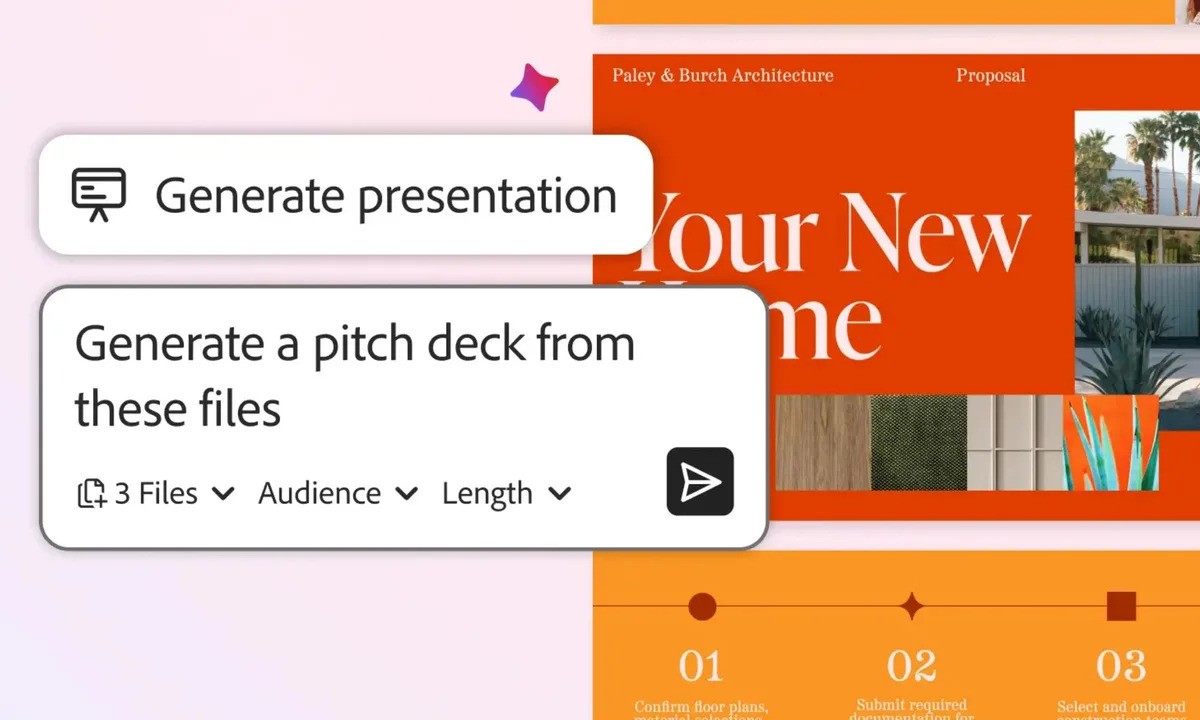
Adobe is continuing to push artificial intelligence deeper into its productivity software, and the latest update to Acrobat shows how far document tools have evolved. The company has introduced a new set of AI-powered features that allow users to convert PDFs into audio podcasts and ready-made presentations, making long documents far easier to consume and repurpose.
These additions expand on Acrobat’s existing AI Assistant, which was previously focused on answering questions and summarizing content inside files. With the new Generate capability, Acrobat can now reshape dense documents into formats designed for listening, presenting, and quick review. This is particularly useful for people working with research papers, reports, contracts, or lengthy PDFs that usually require focused reading time.
Turning documents into podcasts and slide decks
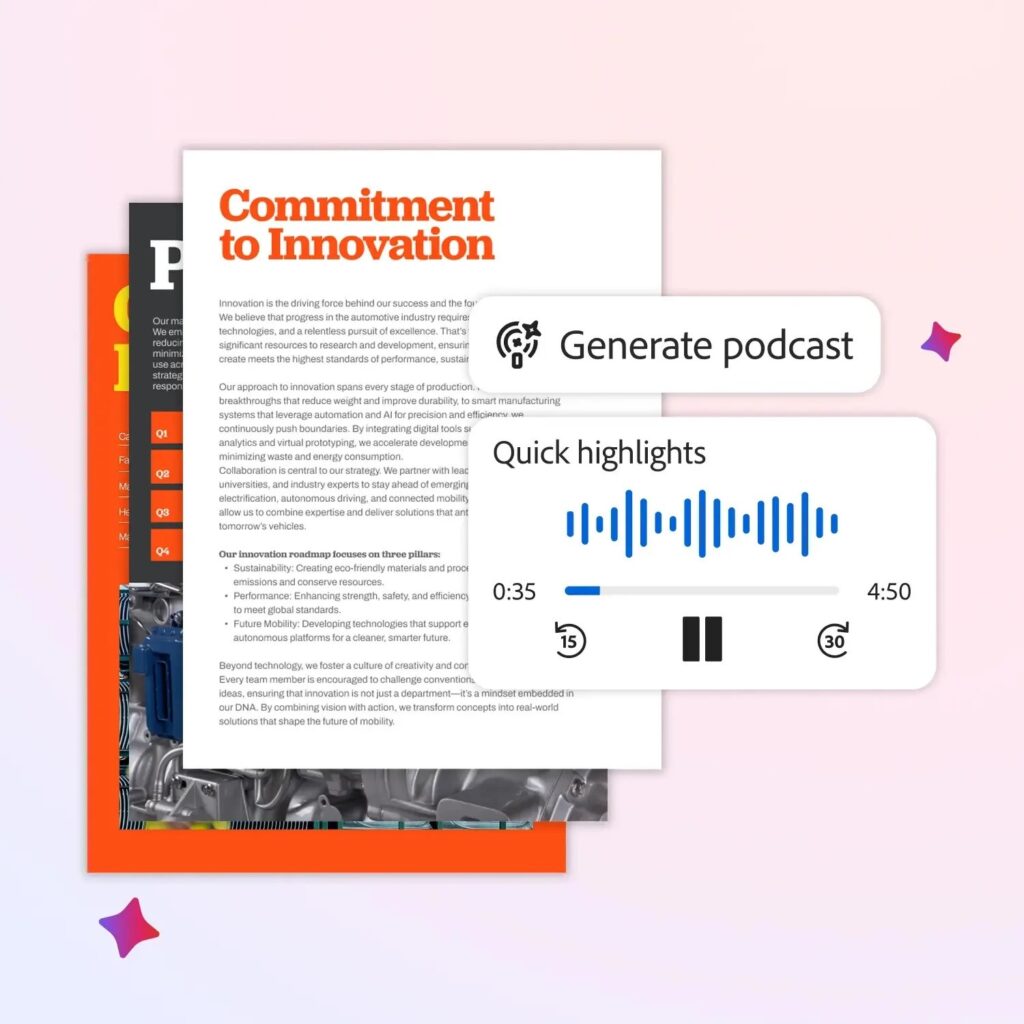
One of the most noticeable upgrades is the ability to transform documents into audio podcasts. The feature analyzes the structure and content of a PDF, produces a concise summary, converts it into a natural script, and then generates spoken audio. Instead of reading through dozens of pages, users can now listen to key information while commuting, exercising, or multitasking.
This approach may sound familiar to anyone who has used Google’s NotebookLM, which introduced a similar idea for AI-assisted research and audio summaries. Adobe’s version brings that same convenience directly into Acrobat, without requiring users to move their files to another platform.
Alongside audio generation, Acrobat can also automatically create presentations from documents. The AI pulls out important points, organizes them into logical sections, and lays them out as slides. This removes the repetitive work of copying text into PowerPoint or Google Slides and gives users a solid first draft that can be refined with custom visuals, notes, or formatting.
Editing PDFs using simple language
Adobe is also improving how users interact with their documents through natural language commands. With AI Assist, users can ask Acrobat to rewrite sections, shorten paragraphs, summarize complex ideas, or adjust tone using simple prompts instead of manual editing tools.
The update improves Acrobat’s understanding of document structure as well, which makes it easier to extract insights from technical files such as legal contracts, financial reports, or detailed manuals. Rather than treating PDFs as static files, Acrobat now behaves more like an interactive workspace where information can be reshaped based on how it is needed.
According to Adobe’s official announcement on its product blog, these features are designed to help people work faster while reducing the friction that often comes with large, text-heavy documents. The company positions Acrobat as more than just a viewer, shifting it toward a tool that supports learning, sharing, and content creation in multiple formats.

A broader push into AI-powered workflows
The Acrobat update is part of a wider AI strategy at Adobe. The company has recently rolled out new AI tools in Premiere Pro to streamline video editing workflows and has also made its photo and PDF editing capabilities available directly inside ChatGPT, allowing users to work across platforms more seamlessly.
By embedding AI deeply across its software ecosystem, Adobe is aiming to simplify how users move from raw information to finished output, whether that output is a presentation, an audio summary, or an edited document. For professionals, students, and teams handling large volumes of content, these changes make it easier to adapt information to different formats without starting from scratch.
As AI becomes a core part of everyday productivity tools, Acrobat’s new features highlight how traditional document software is evolving to meet modern work habits, where listening, presenting, and sharing information can be just as important as reading it.