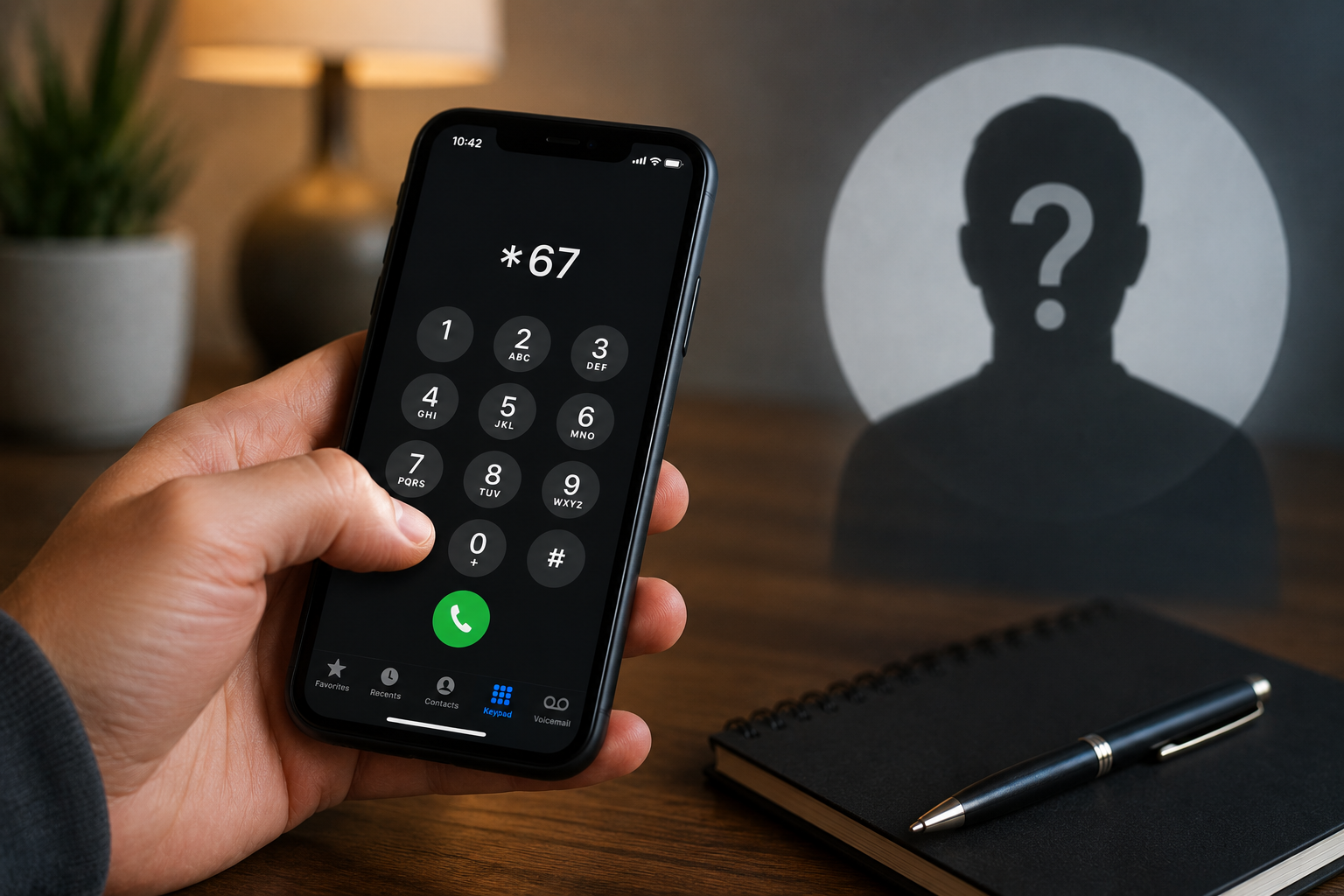
To hide your number on a single call in the US or Canada, dial *67 and then the full number. To hide it on every call, turn off Show My Caller ID on an iPhone, or set Caller ID to Hide number in the Android Phone app. The person you call will see “No Caller ID,” “Private” or “Blocked.” Neither method costs anything, and both work right away.
There are a few limits. Toll-free numbers and 911 still get your number. Some carriers ignore the phone’s setting. Texts are a separate system, and these methods do nothing for them. The sections below cover each brand and carrier, the codes used in other countries, and what to do when your number still shows.
How to put your number on private
| Method | Applies to | How | Cost |
|---|---|---|---|
| *67 prefix (US/Canada) | One call | Dial *67 + 10-digit number | Free |
| #31# prefix (most GSM networks abroad) | One call | Dial #31# + number | Usually free |
| 141 prefix (UK and Ireland) | One call | Dial 141 + number | Free |
| iPhone setting | Every call | Settings > Phone > Show My Caller ID > off | Free |
| Android setting | Every call | Phone app > Settings > Caller ID > Hide number | Free |
| Carrier line block | Every call, any phone on the line | Request through the carrier’s app or support | Usually free |
| Second-number app | Calls from that app | Shows a different number, not “Private” | Often $5–$15/month |
Requirements
- An active carrier line. Caller ID blocking is a network feature. The phone only asks the network to hold your number back. That’s why results depend on your carrier as much as on your phone.
- A carrier that allows the setting. Most major US carriers support *67. Some don’t honor the phone’s “always hide” switch, and on some carrier models the iPhone toggle is missing entirely. In that case you need *67 for each call or a block placed on your account.
- A normal number to call. Toll-free numbers (800, 888, 877, 866, 855, 844, 833) receive your number through a separate billing system called ANI, so blocking doesn’t apply. 911 always gets your number and location.
- Some care with Wi-Fi calling and VoIP. Wi-Fi calling usually honors the block. Apps like WhatsApp, Google Voice and business phone systems have their own settings and ignore *67.
Step-by-step: how to put your number on private, by device
Per call: *67 on any phone (iPhone, Android, landline)
- Open the dialer.
- Type *67 and then the full 10-digit number, with no spaces: *675551234567.
- Press call. You may hear a short tone. The other phone shows “No Caller ID” or “Private.”
A shortcut: open the contact, copy the number, paste it into the keypad and add *67 in front. If you save *67 inside a contact’s number, though, that person will always see you as private, which you may forget about.
How to put number on private on iPhone (every call)
- Open Settings.
- Tap Phone. On iOS 18 and later, go to Settings > Apps > Phone.
- Tap Show My Caller ID and turn it off.
If the option is missing or grayed out, your carrier controls caller ID at the network level. This often happens on Verizon and some prepaid brands. Use *67 for each call, or ask the carrier to block caller ID on the line.
How to put number on private on Samsung
- Open the Phone app.
- Tap the three dots (top right) and then Settings.
- Tap Supplementary services. On some One UI versions it’s under More settings.
- Tap Show your caller ID and choose Never or Hide number.
On a dual-SIM phone you’ll be asked which SIM to change. Set each one separately.
How to put number on private on Google Pixel and other Android phones
- Open the Phone app (Google’s dialer).
- Tap the three dots and then Settings.
- Tap Calling accounts, choose your SIM, and then tap Advanced settings. Older versions use Calls > Additional settings.
- Tap Caller ID and choose Hide number.
How to put number on private on Oppo, Xiaomi, Motorola and others
The path is similar on these brands but changes with each skin. On Oppo (ColorOS) it’s usually Phone app > three dots > Settings > More settings (or Additional settings) > Caller ID > Hide number. If you can’t find it, search “caller ID” from the top of the main Settings app. That finds it on almost every Android phone.
Showing your number again
To switch it back on for every call, reverse the setting above. If you’ve blocked your number at the carrier and want to show it for one call, dial *82 before the number. This is useful for doctors’ offices and people who reject private callers.
Outside the US: Ireland, the UK, Vodacom, MTN and Zimbabwe
- UK and Ireland: dial 141 before the number to hide it on one call. The phone settings above work for every call.
- Most GSM networks (South Africa’s Vodacom and MTN, Zimbabwe’s Econet and NetOne, and much of Europe and Africa): dial #31# before the number, for example #31#0821234567. *31# before a number does the opposite and shows your number when it would otherwise be hidden. People often mix the two up.
- Some prepaid plans turn off caller ID blocking. If neither code works, check with your carrier before assuming your phone is the problem.
Costs and timing
For most people, it costs nothing. *67, 141, #31# and the phone settings are free on every major US carrier and on most networks abroad, and they work as soon as you use them.
- Carrier-level block: usually free. It can take anywhere from a few minutes to a few hours to start working. Make a test call before you depend on it.
- Second-number apps (Google Voice is free in the US; paid apps usually cost $5–$15 a month): these don’t make you “Private.” They show a different real number. That’s often better, because people are more likely to answer a normal number than a blocked call.
- Landlines: some landline providers still charge a small monthly fee for line-wide blocking. *67 for single calls stays free.
Common mistakes
- Forgetting that *67 works for one call only. Your next call shows your number unless you dial the code again.
- Formatting the number wrong. Put *67 directly before the 10-digit number, with no + sign and no spaces. Some phones turn +1 numbers into international format, and the code then gets ignored. Use the plain 10-digit form.
- Expecting it to work on toll-free numbers or 911. It won’t. Both see your number, by design.
- Assuming it hides your texts. No standard US carrier lets you hide your number on an SMS. iMessage shows your number or Apple ID, and WhatsApp shows your number. To text without your number, you need a second-number app.
- Not realizing many people won’t answer. iPhone’s Silence Unknown Callers, Android’s call screening and landline anonymous call rejection (*77) often send private calls straight to voicemail or block them. If you need the person to pick up, a private call may be the wrong choice.
- Not knowing your carrier overrides the setting. If your phone says the number is hidden but it still shows, the network is ignoring the request. See the FAQ below.
- Using it for business calls in Florida. Personal use is fine. Telemarketers are a different case. The federal Telemarketing Sales Rule requires them to send caller ID, and Florida’s telephone solicitation law (section 501.059, Florida Statutes) bars sales callers from blocking it. If your business makes cold calls from Florida, don’t use *67 on them.
A test that takes 30 seconds: call a friend, or your own second line, after changing the setting. Ask what their screen shows. That’s the only reliable way to confirm it works on your carrier.
For more plain-English explainers on how phones work and what common texting shorthand means, browse our Technology section, or read our guides to WFH meaning in text and what YKTV means.
FAQs
Does *67 work on cell phones?
Yes. *67 works on iPhones and Android phones on all major US and Canadian carriers, as well as on most landlines. Dial *67 and then the 10-digit number, with no spaces or + sign. It hides your number on that call only.
How do I hide my number on iPhone for all calls?
Go to Settings > Phone (or Settings > Apps > Phone on iOS 18 and later) and turn off Show My Caller ID. If the toggle is missing, your carrier controls caller ID. Use *67 for each call, or ask your carrier to block caller ID on your line.
Why is my number still showing after I hid it?
There are four common reasons. Your carrier may ignore the phone setting. You may have called a toll-free number or 911, which always receive your number. The number may have been in +1 format, so the code was skipped. Or you used an app such as WhatsApp, which has its own caller ID system. Make a test call, and contact your carrier if the setting still has no effect.
How do I show my number again?
Turn Show My Caller ID back on (iPhone), or set Caller ID to Show number or Network default (Android). If your number is blocked at the carrier, dial *82 before a number to show it on that call.
What is the code to hide your number outside the US?
In the UK and Ireland, dial 141 before the number. On most GSM networks, including Vodacom and MTN in South Africa and the networks in Zimbabwe, dial #31# before the number. Some prepaid plans turn off the feature, so check with your carrier if neither code works.
Can a private number be traced?
Yes. Hiding caller ID only stops the number from showing on the other person’s screen. Your carrier still records the call. Police, emergency services and toll-free lines can see the number, and carriers can trace calls when there’s a court order or a harassment complaint.