Google has started rolling out a new quality of life improvement for its AI assistant that puts speed back in the user’s control. A fresh “Answer now” option is being introduced inside the Gemini interface, allowing people to bypass longer response times and receive quicker replies with a single tap.
This update is aimed at users who rely on Gemini’s more advanced models but do not always need deep reasoning for every query. While Gemini’s Thinking and Pro models are designed to handle complex tasks, they often take longer to respond. The new button offers a middle ground by delivering faster output without forcing users to switch models.
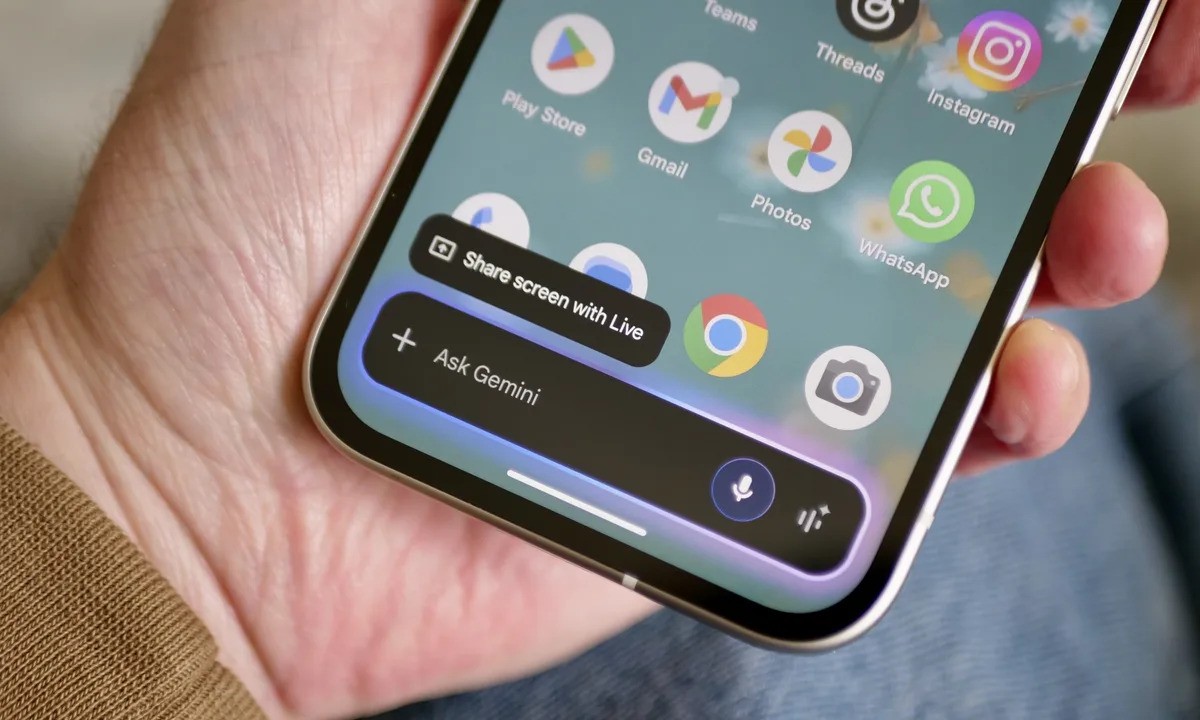
Recently, Gemini also gained the ability to pull information from other Google services such as Gmail, Photos, Calendar, Drive, YouTube, and Search. These integrations help the assistant deliver more personalized responses by using context from apps people already use. Combined with the Personal Intelligence feature, Gemini is becoming more proactive and tailored to individual needs. However, not every interaction requires in depth processing, which is where this new speed focused option comes in.
Inside the Gemini app, users can currently choose between Fast, Thinking, and Pro models. The Fast model prioritizes speed, while the other two are optimized for logic heavy questions, math, and coding. The downside has always been wait time. With the new “Answer now” button, that delay can now be skipped.
According to reporting from 9to5Google, the button appears next to the response status indicator when a user is running the Thinking or Pro model. When tapped, Gemini displays a short message confirming that it is skipping in depth reasoning, then immediately generates a response. This makes it easier to get a quick answer without interrupting your workflow or changing settings.
What makes this feature interesting is that Gemini does not automatically revert to the Fast model. It continues using the selected model, which users can verify through the three dot menu attached to the response. While Google has not explained exactly how much reasoning is reduced, the feature clearly prioritizes speed over extended analysis.
This approach is especially useful in situations where users want a fast clarification, a short explanation, or a simple follow up. Instead of waiting for a full breakdown, the assistant responds more like a conversational helper.
The “Answer now” button replaces the earlier Skip option and is currently rolling out across Android, iOS, and the web version of Gemini. It is available to both free users and subscribers, making it accessible regardless of plan level.
For those who regularly use Gemini for a mix of quick lookups and more advanced problem solving, this update adds flexibility without sacrificing model capabilities. Speed and depth can now be adjusted on demand, directly from the chat interface.