Microsoft has rolled out a small but surprisingly impactful update to Word that removes one of the most annoying friction points many people deal with every day. If you spend hours inside documents, especially while adding references or sources, this change can genuinely speed things up.
The update focuses on how users add hyperlinks. Until now, linking text in Word felt unnecessarily clunky. You had to highlight a word or phrase, open the Insert Link window, paste the URL, and then confirm. It worked, but it constantly pulled you out of your writing flow.
That extra step is finally gone.
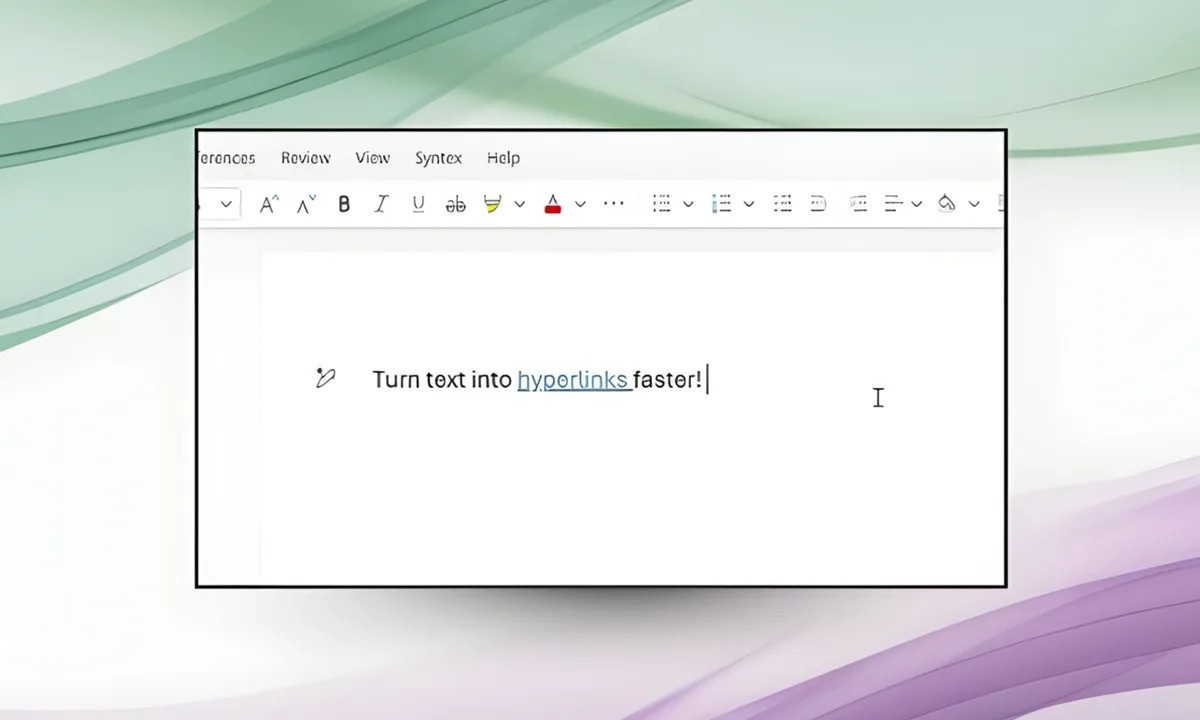
Microsoft now allows users to simply copy a URL, select the text they want to link, and paste it directly over the selection. Word instantly converts it into a clickable hyperlink without opening any menus or dialog boxes. The behavior feels more in line with modern writing tools and removes a repetitive task many people have complained about for years.
This new approach works the same way whether you are using Word on a Windows PC or working from a Mac. Once the link is copied, highlighting text and pressing Ctrl + V or Cmd + V does everything automatically. Instead of overwriting your text with the pasted URL, Word intelligently embeds the link into the selected words.
For anyone who frequently adds citations, embeds Google Drive documents, links YouTube videos, or references external sources, the time savings add up quickly. What used to interrupt the writing process now feels seamless.
Microsoft confirmed the change in a post on the official Microsoft 365 Insider Blog, explaining that the feature is already available for Word on the web. It is also being rolled out to desktop users on Windows running version 2511 with Build 19530.20006 or newer, as well as Word for Mac version 16.104 and later.
This might sound like a minor tweak, but it addresses a long standing frustration. Previously, pasting a link over selected text would simply replace the words entirely, forcing users to undo their action and start over. That behavior is now gone, replaced by a smarter default that understands what the user is trying to do.
The update makes Word feel closer to other contemporary word processors that prioritize speed and fluid writing. When you are deep into drafting an article, report, or academic paper, even small interruptions can break concentration. Eliminating unnecessary pop ups and menu clicks helps keep the focus on the content itself.
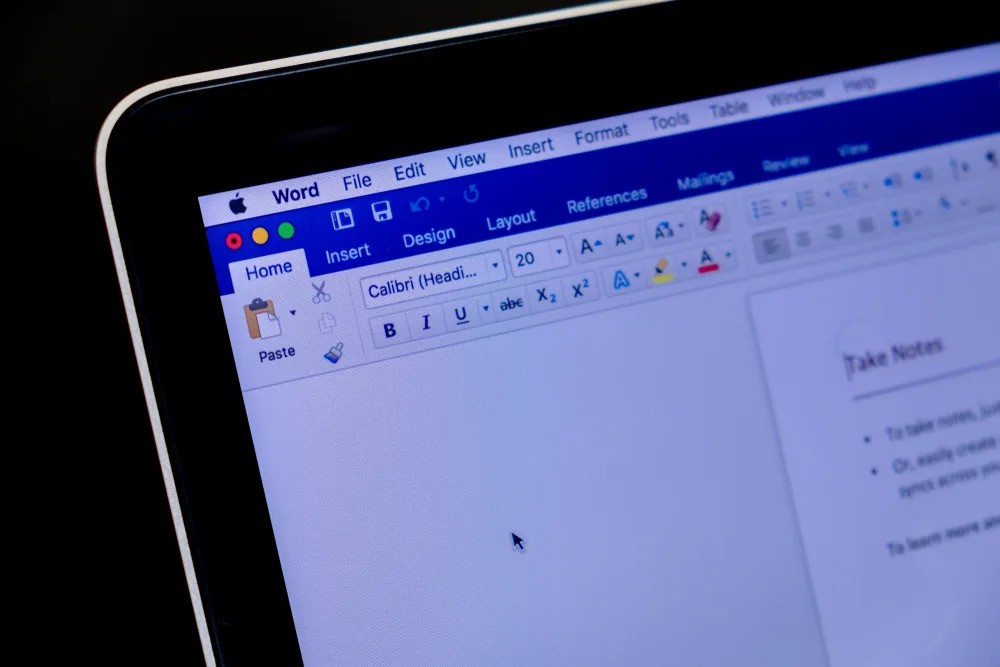
Whether you are a student juggling research links, a professional preparing documents, or someone who writes for a living and inserts dozens of links every day, the new hyperlinking method removes a surprisingly persistent annoyance.
It is one of those quality of life improvements that does not change how Word looks, but significantly improves how it feels to use. By simplifying such a common action, Microsoft has quietly made Word a little faster, a little smarter, and far less frustrating during long writing sessions.